To upload or change your profile photo:
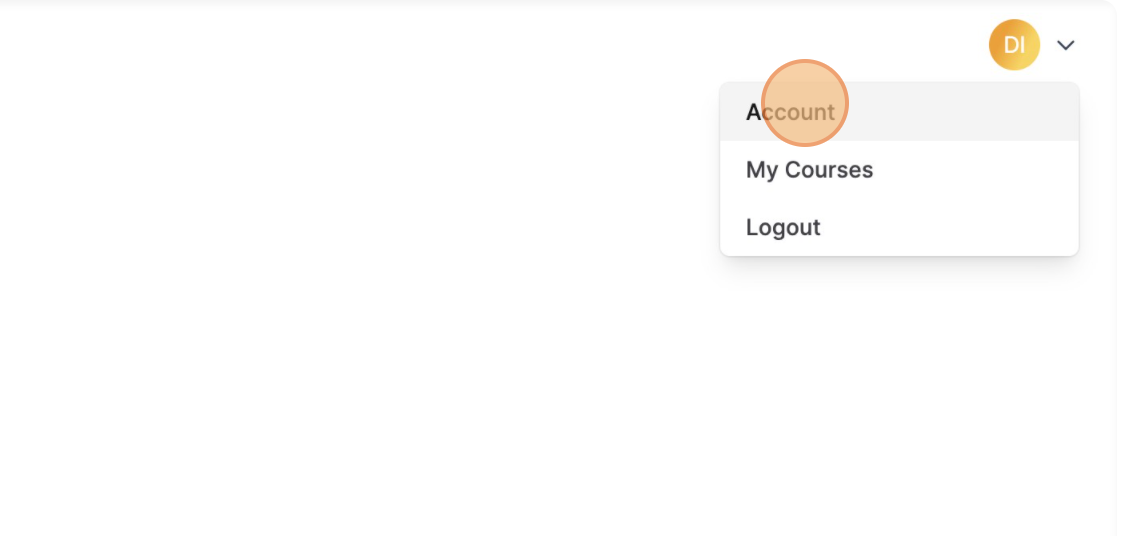
1) Access your profile page by clicking on your initials or photo at the top of the page and selecting “Account”
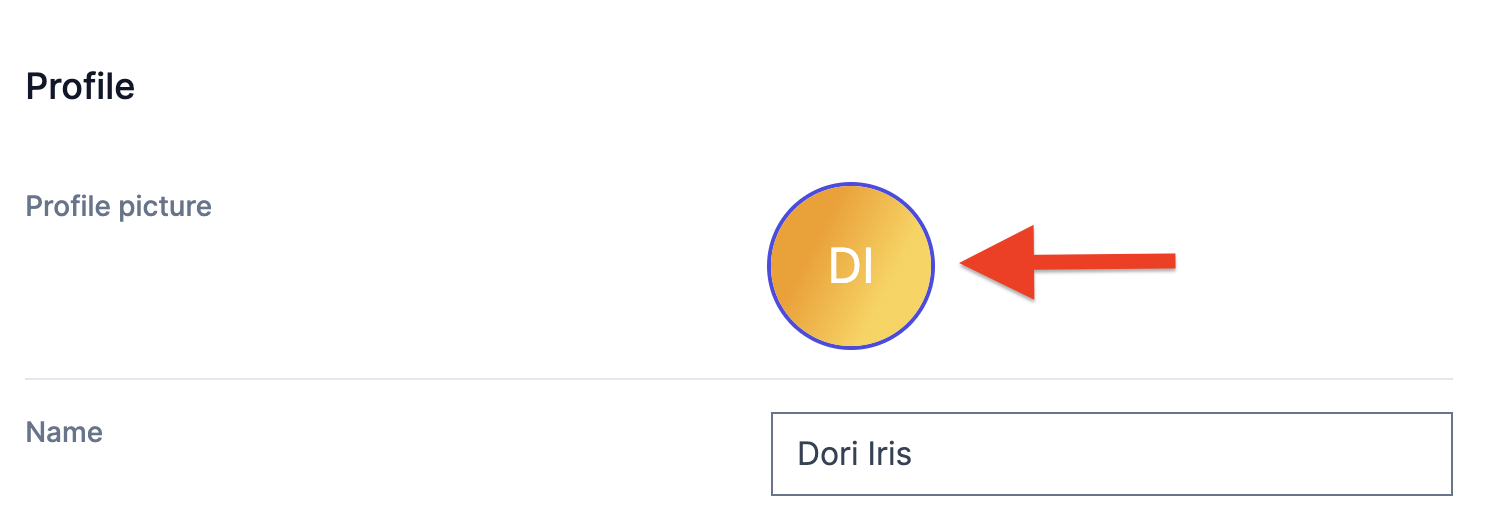
2) Click on the circle where your initials or photo is located (next to “Profile Picture”)
3) Click “Choose File” to select a photo from your computer or “Take Photo” to use your device’s camera to take a photo. If uploading a photo, it can be JPG or PNG with a maximum size of 700K.
Note: Is your picture sideways, or upside down? we will display images in whatever format you upload.
If your image isn’t displaying the way you expect, you may need to use an image editor to rotate your image, and then upload it again.
Here’s a good, free image editor you can use: Pixlr