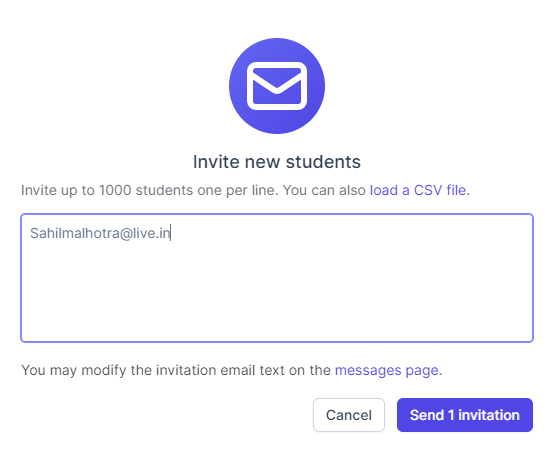
This quick tutorial will walk you through how to send invitations to students. Invitations allow students to bypass payment and join your course for free.
Hot tip! Use Command/Control + K to launch the Manage Course menu anytime you are editing.
1. Navigate to app.beingbrainiac.com and open your course.
2. From the Course Dashboard, click “Manage Course”

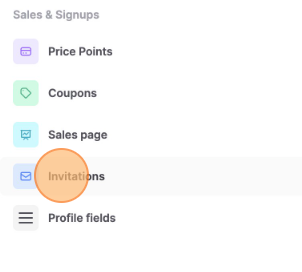
3. Click “Invitations”
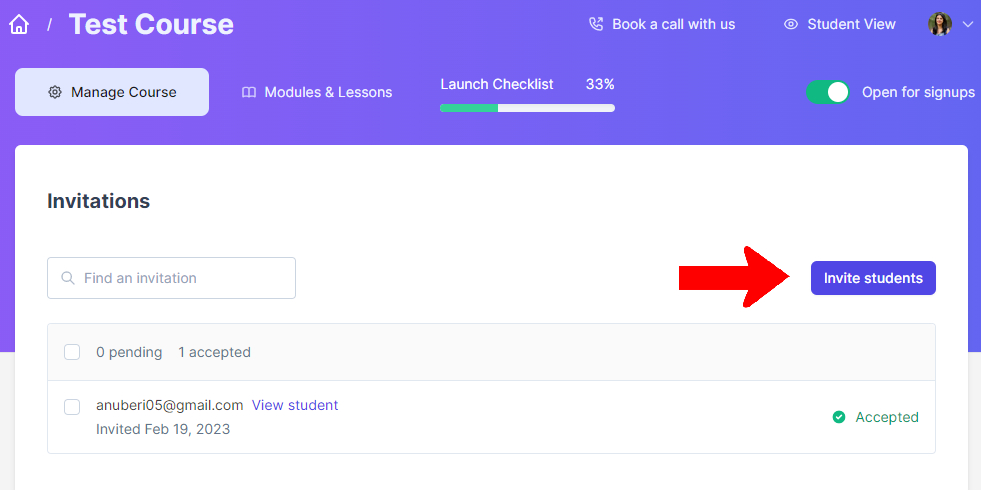
4, Click “Invite students”
5, Enter the email address(s) of the people whom you’d like to invite to join your course and click send invitation