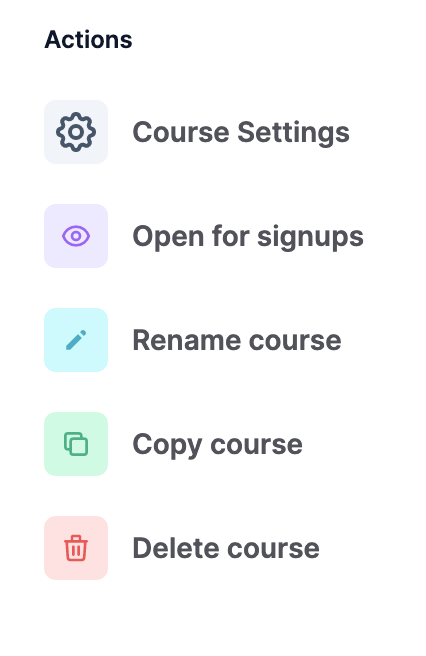
The Manage Course menu gives direct access to all of the course building features.
Here is the full list:
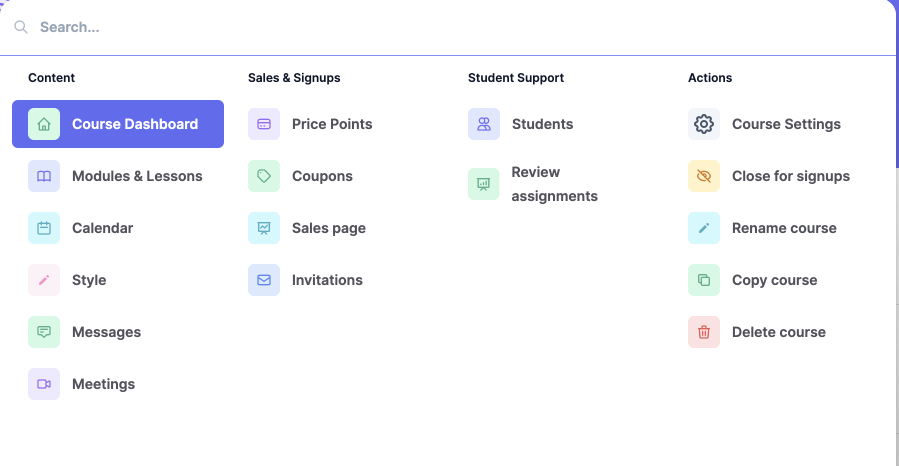
Launch the Manage Course menu by clicking the button on the top left-hand corner of your screen, or by hitting Command/Control K anytime.

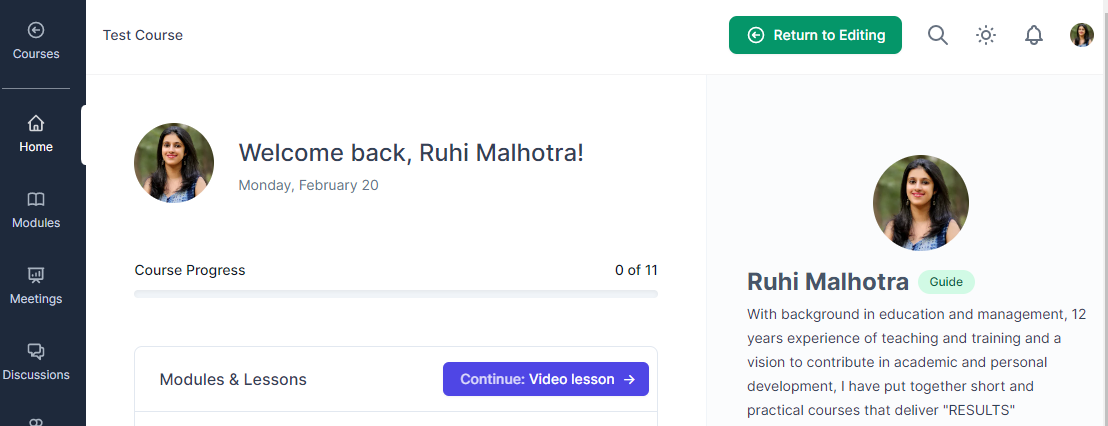
If you can’t locate the button, then you may be in the student view of your course. If so, hit “Return to Editing”.
Now we’ll cover each section of the “Manage Course” menu
Content:

Course Dashboard
Modules & Lessons
Calendar
Style
Messages
Meetings
Student Support:

Students
Review assignments
Sales & Signups:

Price Points – coming soon!
Coupons – coming soon!
Sales page – coming soon!
Invitations
Actions: