Copying a module is a quick way to duplicate and reuse existing content in other parts of your course
1. Launch Modules & Lessons

2. Click the pencil icon next to the module you want to copy and then click “Copy module”

You’ll see a list of all the courses in your account. Click “Current” (it’s at the top). This will copy the module to the same course.
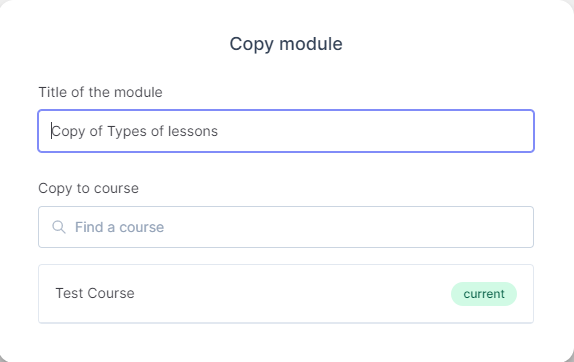
When the copying process is complete, you’ll see a “Copy complete” message with an option view the copied module or close it out.
